 0°
0°
Blog
How we work with 3DVista: what the software behind a virtual tour can actually do
3DVista is the software our virtual tours are built on. That is no secret, plenty of people use it.
The difference is not the tool. It is how far you take it.
Most tours you will see use a small part of what the program does. Scenes, arrows, maybe a few hotspots. That is about 10% of it.
Below we show what sits in the other 90%, with examples from our own projects.
The difference is not the tool. It is how far you take it.
Most tours you will see use a small part of what the program does. Scenes, arrows, maybe a few hotspots. That is about 10% of it.
Below we show what sits in the other 90%, with examples from our own projects.
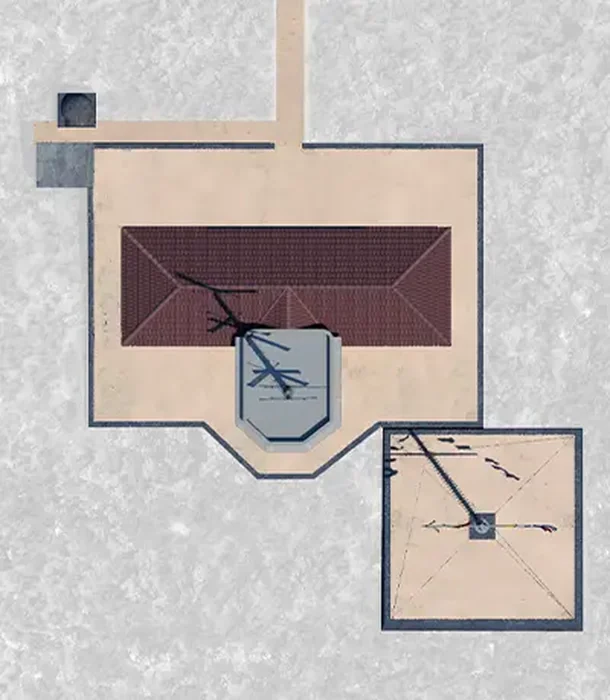
360 Virtual Tour Presentation
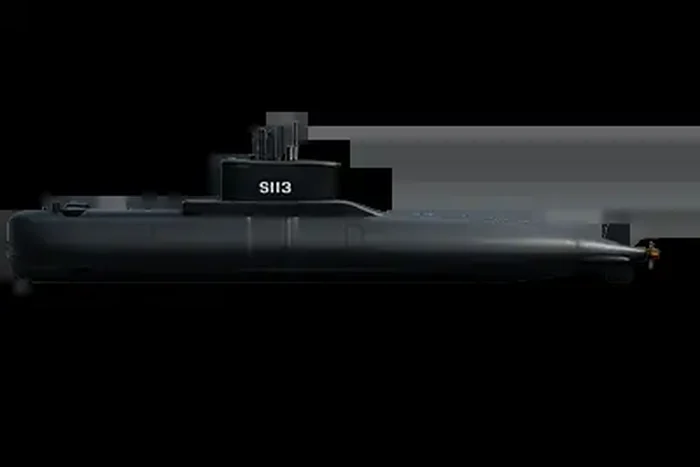
See the full project 360° virtual tour of the submarine Proteus S-113, Hellenic Navy →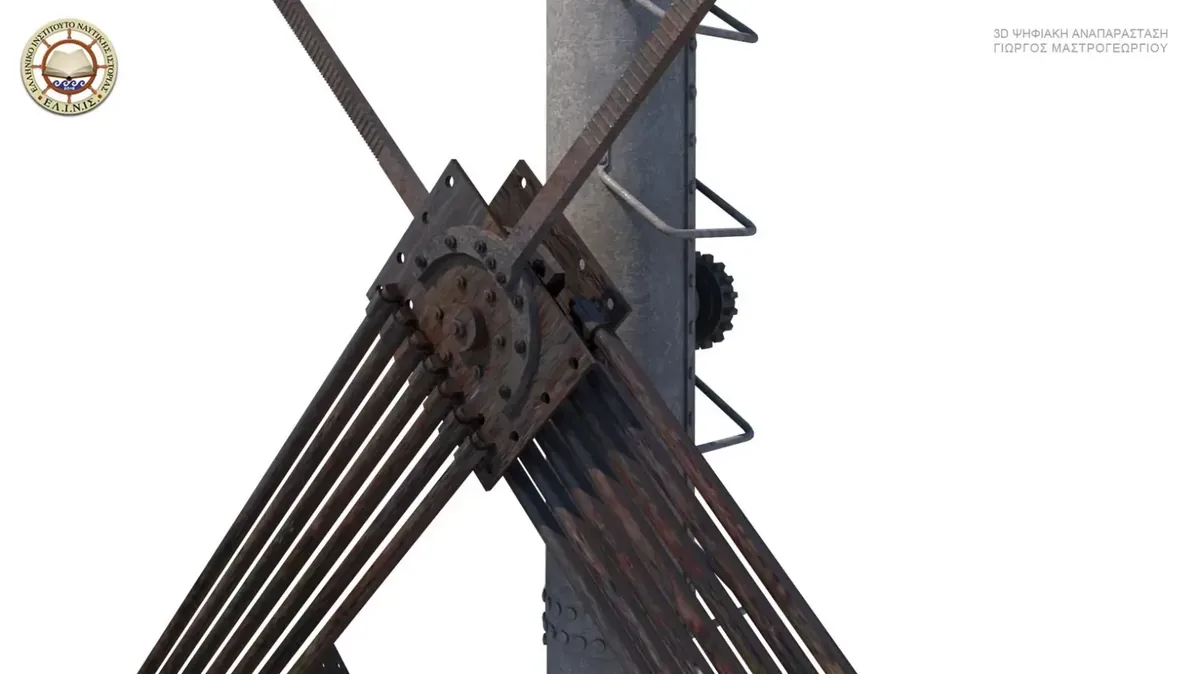
The features almost nobody uses
Floor plans with live position markers3DVista ties every scene to a point on a floor plan. The user sees where they are and where they can go. In large buildings that is the difference between a tour and a maze.
Multiple floor plan levels
You can hold more than one plan in the same project and switch between them.
Hotspots that are not just arrows
Points that open text, an image, video, an album or an external page. That is where information goes which would otherwise need a separate website.
Per scene audio
Narration, ambient sound, or both, behaving differently in each space.
Embedded video and photo albums
The material stays inside the tour instead of sending the user somewhere else.
Skin customisation
Menus, buttons, controls and mobile behaviour. This is where it is decided whether the tour looks like a product or like a demo.
Multiple languages and VR
The same project in two languages, and headset viewing without a second production.
All of this exists in the software. The question is who sets it up, and why.
What that looks like in a real project
The tour above is the submarine Proteus (S-113), the first museum submarine in Greece. It is a production of the Hellenic Institute for Maritime History, with technical implementation by us, for the Floating Naval Museum Georgios Averof.What that meant in practice:
27 panoramas across 7 compartments
From the torpedo room to the engine room. Inside a submarine there is no such thing as a wide shot. Every camera position was chosen by what physically fits, not by what would look good.
A floor plan that is not a floor plan
In a building the visitor sees a storey plan. Here the position marker travels along a cross-section of the vessel itself, because a submarine has no storeys. It has compartments in a row.
Hotspots on individual instruments
The forward periscope, the course plotter, the diving planes. Without labels the visitor sees a wall of switches and moves on.
Sound instead of narration
Engines and sonar, not a narrator's voice. In a space almost nobody has stood in, sound explains more than a caption does.
Same software, different project, completely different decisions. The Kythira semaphore station, also for ELINIS, needed 38 panoramas (aerial, ground and interior), a dual floor plan with separate markers for drone and ground positions, narrated audio per space, and embedded albums holding the architectural survey drawings.
Two projects for the same institution, two completely different structures. Neither of them came out of a preset.
What this means for you
Three very practical consequences.1. Fewer "that cannot be done". When the limit is the software rather than physics, there is usually a way.
2. The tour adapts to the project rather than the project to the template. A museum, a submarine and a gym do not need the same structure.
3. The files and the control stay with you. Our tours are hosted on our own domain, not on a third party platform with a monthly subscription that takes your work with it if it stops.
If your project has a requirement that sounds odd, that is exactly the conversation we want to have.
Related Articles You Might Be Interested In
→

Walk Through a Gym with 360° Virtual Tour
→
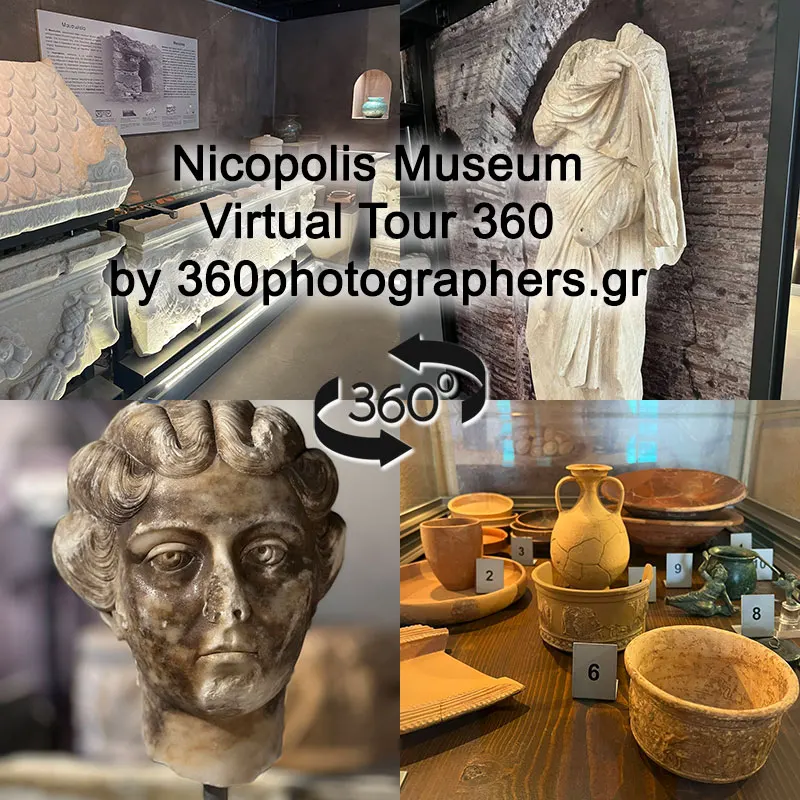
Explore the Nicopolis Museum: 360° Virtual Tour
→
Clinics: does a virtual tour actually reduce patient anxiety?
→

360° Virtual Tour of an Apartment for Rent
→

Destroyer Velos D-16: a 360° virtual tour of the Museum of the Anti-Dictatorship Struggle
→